How it works
Welcome to FitSleeps! On this page you will find everything you need to get your vibrating alarm set up and running.
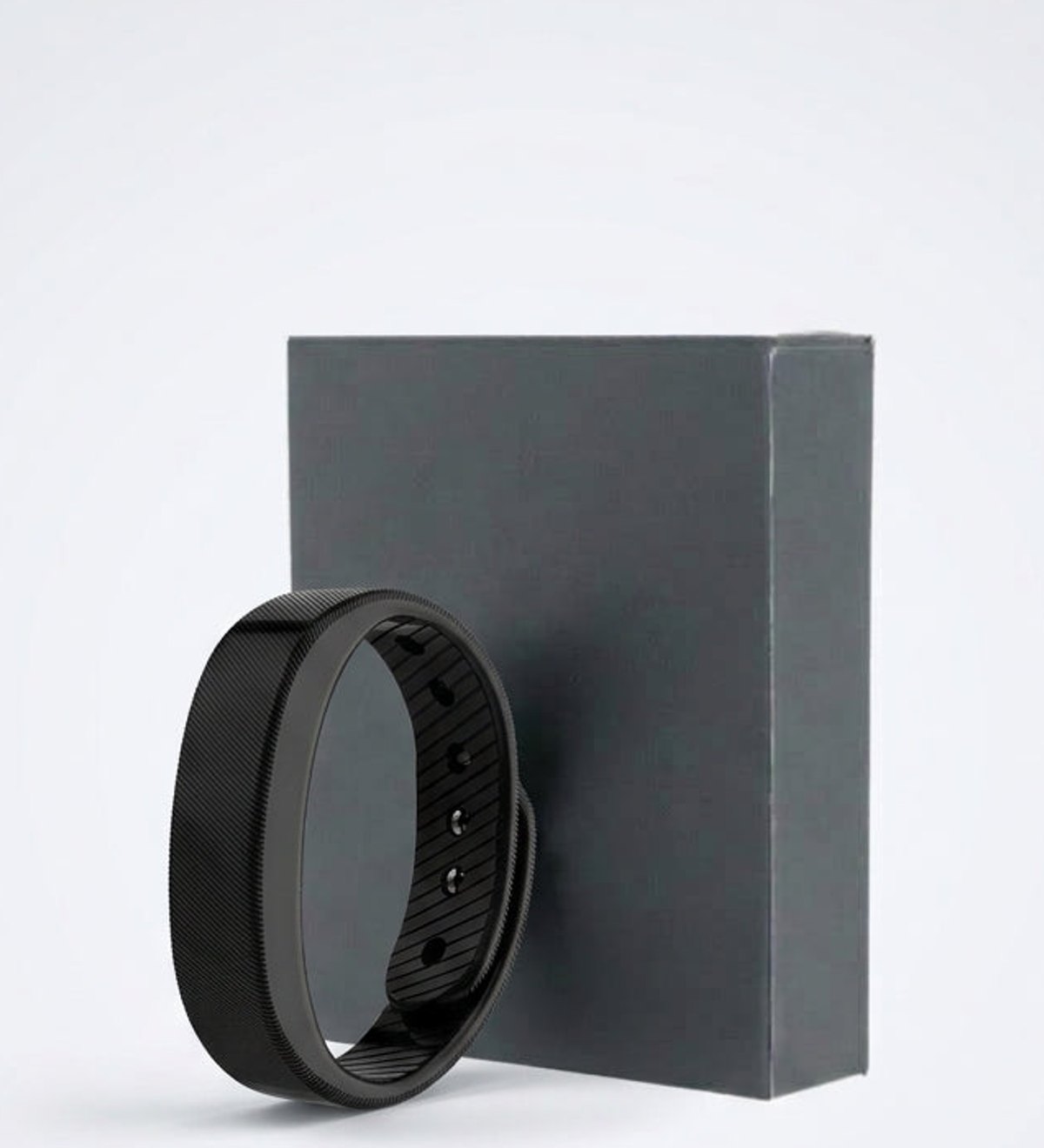
The band wakes you with a pulse on your wrist instead of a sound, so only you feel it. Everything is set on the band itself: there is no app to install and no phone to pair.
User Guide
Everything you need to know
Important information
Charge the band fully before the first use. Wear it snug, about a finger above the wrist bone, so the vibration sits against the skin.
1. Setting the time
Hold the button to enter the settings, adjust the time and confirm. The display only lights up when you tap the band, so it stays dark at night.
2. Setting your alarms
You can store up to 3 alarm times. Setting two or three alarms a few minutes apart is a good way to start if you are a very deep sleeper. Press the button to stop the vibration.
3. Charging
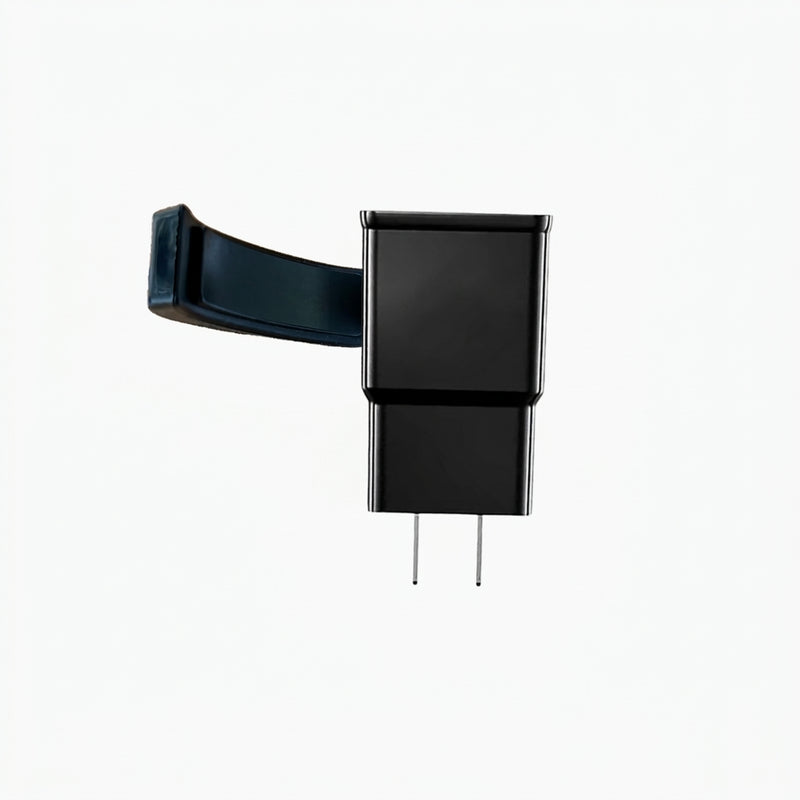
Slide the display module out of the strap and plug it into any USB port or adapter. A full charge takes around 1 hour and lasts about 14 days on the Standard band and 20 days or more on the Pro.
Questions?
We've got you covered
1. The alarm doesn't wake me up. What can I do?
Check that the band is snug against the skin and set two or three alarms a few minutes apart. The Pro raises the vibration in three steps and keeps going until you press the button, which is why we recommend it for very deep sleepers.
2. Will it wake my partner?
No. The vibration is felt only on your wrist, so the room stays quiet.
3. Do I need an app or a phone?
No. The time and alarms are set on the band itself.
4. How many alarms can I set?
Up to 3 alarm times.
5. How long does a charge last?
About 14 days on the Standard band and 20 days or more on the Pro, after around 1 hour of USB charging.
6. What if I find out it's not for me?
You can return it within 30 days of delivery. See our refund policy for the details.
Complete your setup
Others also bought